
Tips For Minimising Downtime During Office Moves In Taree
Minimising downtime during an office move requires careful planning, smart scheduling and clear coordination between staff, IT providers and your removal team. Working with experienced
removalists Taree businesses can rely on helps keep furniture, equipment and essential files moving to a structured plan so your team can get back to work sooner.
Why Downtime Matters When Relocating Your Taree Business
An office relocation can affect more than the hours spent moving desks and boxes. Staff may temporarily lose access to computers, phones, files, stock or customer systems, while delays with furniture and IT setup can prevent normal operations from resuming.
According to industry best practice, businesses should approach an office move as a business continuity project. Identify the functions that must remain available, such as customer phone lines, email, order processing or access to essential records, and build the relocation around those priorities.
Start Planning Early: Building an Office Move Timeline
A detailed office relocation Taree timeline should work backwards from the date your new premises need to be operational. Avoid leaving packing, IT arrangements and furniture decisions until the final days.
Your timeline should cover:
- Access arrangements for both premises
- Booking your commercial removals team
- Furniture, equipment and document audits
- Internet and telecommunications arrangements
- IT disconnection and reconnection
- Packing and labelling responsibilities
- Customer and supplier notifications
- Staff responsibilities before and after the move
Assign an owner and deadline to each task. This makes dependencies easier to identify before they cause delays.
For example, having desks ready on Monday morning will not help if computers or internet services remain unavailable. Coordinating these tasks within one timeline helps prevent avoidable downtime.
Scheduling Your Move Around Business Hours
One of the simplest ways to minimise downtime is to relocate when your business is closed or operating at reduced capacity. Depending on your operations, that could mean moving after hours, over a weekend or during a quieter trading period.
You can also stage the move. Relocate rarely used equipment, archived documents and surplus furniture first while keeping essential workstations operational until closer to the final handover.
Discuss parking, loading areas, lifts, building access and any time restrictions with your office removalists in Taree beforehand. Resolving these details early prevents unnecessary delays on moving day.
Protecting IT Equipment, Data and Essential Business Assets
Moving IT equipment requires more preparation than placing computers into boxes. Computers, monitors, networking equipment and printers need suitable protection and a clear system showing where each item belongs.
Before disconnecting equipment, arrange appropriate data backups and document your existing IT setup. Labelling equipment by employee, workstation or department can make reconnection faster.
Professional packing services help protect monitors, printers and fragile office equipment, while clear labelling makes it easier to place items in the correct area at your new premises.
Sensitive documents, backup media and access credentials may require additional controls. Make sure your relocation plan distinguishes business-critical assets from general office contents.
Keeping Staff Informed and Coordinated Throughout the Move
Employees need clear instructions about what they should pack, what the removalists will handle and what to expect at the new office.
Nominate a move coordinator as the main contact between management, employees, IT providers, property managers and the removal company. Centralising communication helps prevent conflicting instructions.
Staff should know:
- Their packing responsibilities
- How boxes and equipment should be labelled
- When systems will become unavailable
- Whether temporary remote work is required
- Access and parking arrangements at the new office
- Who to contact about problems after the move
Providing a floor plan can also help employees understand where teams, meeting rooms, equipment and storage areas will be located.
Using Packing and Storage Services to Keep Things Running
Packing too early can make it difficult for staff to work. Leaving everything until moving day can create delays while removalists wait for boxes and equipment to be prepared.
Instead, pack in stages. Start with archived documents, spare furniture, stationery reserves and equipment that employees do not use every day. Leave essential work items until later and prioritise them during unpacking.
If the new premises are not ready, secure storage can keep surplus furniture, archived files and other business contents stored until required.
Storage can also prevent your new workplace from becoming unnecessarily cluttered. Your team can establish priority work areas first and bring other items in as needed.
Professional Removalists vs DIY: What's Best for Your Office Move?
A DIY office move can appear cheaper, particularly for a small workplace. However, businesses also need to account for the time employees spend packing, lifting, transporting and setting up equipment instead of doing their normal work.
Professional commercial removalists bring suitable equipment, transport capacity and established moving processes. They can coordinate furniture and boxed contents according to an agreed sequence rather than relying on employees making multiple trips.
When comparing your options, consider:
- The amount of furniture and equipment
- Fragile or expensive items
- Stairs, lifts and restricted access
- Distance between premises
- Staff availability
- Packing and storage requirements
- Potential operational disruption
It's also worth considering how professional
removalists and storage solutions can reduce the time and internal resources required for a business relocation.
Getting Back to Business Quickly in Your New Office
Your move is not complete when the final box arrives. The real finish line is having your employees able to work effectively in the new premises.
Plan unloading around operational priorities. Desks, computers, communications equipment and frequently used files should generally come before decorative items, archives and surplus furniture.
Before employees return, test essential systems where appropriate, including internet access, phones, printers and computers.
As an example, a Taree professional services office moving over a weekend could relocate archived records earlier in the week, disconnect computers after work on Friday and have labelled workstations moved into position before Monday. The IT provider can then focus on reconnecting and testing systems rather than locating unidentified equipment.
The key takeaway is to plan your office move around business continuity. Start early, identify operational priorities and coordinate staff, IT, packing, transport and setup so essential functions spend as little time offline as practical.
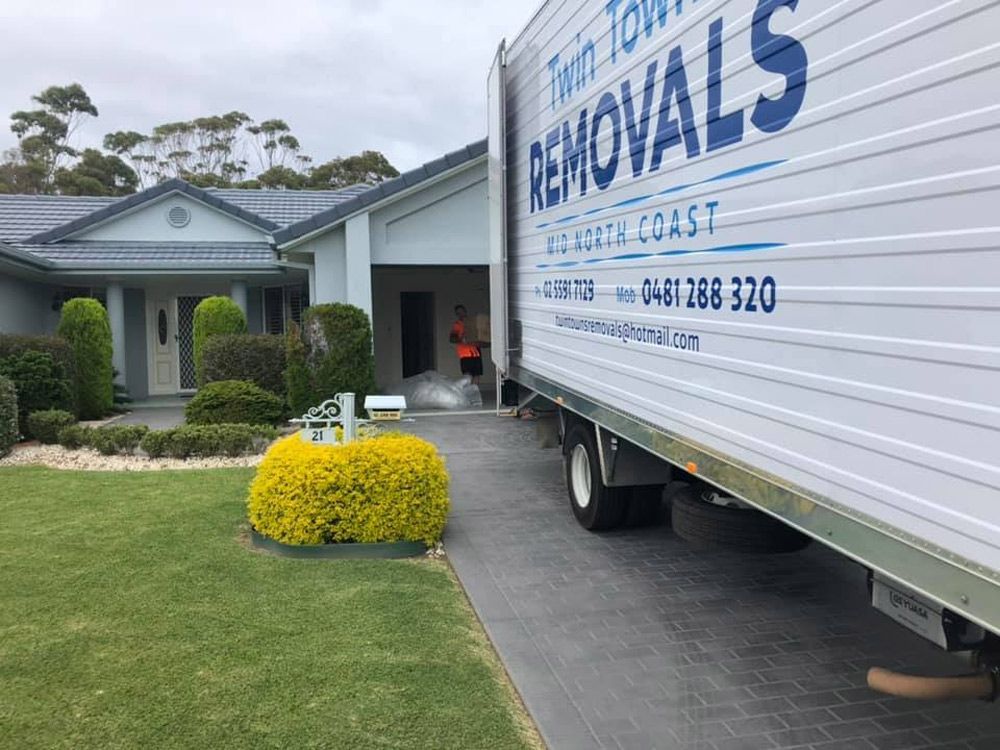
Twin Towns Removals Mid North Coast can help Taree businesses coordinate office furniture removals, packing, transport and storage as part of an organised commercial relocation.
Contact our team to discuss your upcoming office move and develop a practical plan for getting your business operating from its new premises sooner.
FAQs About Office Moves in Taree